Manual request checklist
Gather model name, installation type, discharge route and service symptom before asking for a manual or technical note.
Request manuals ->Pump resources
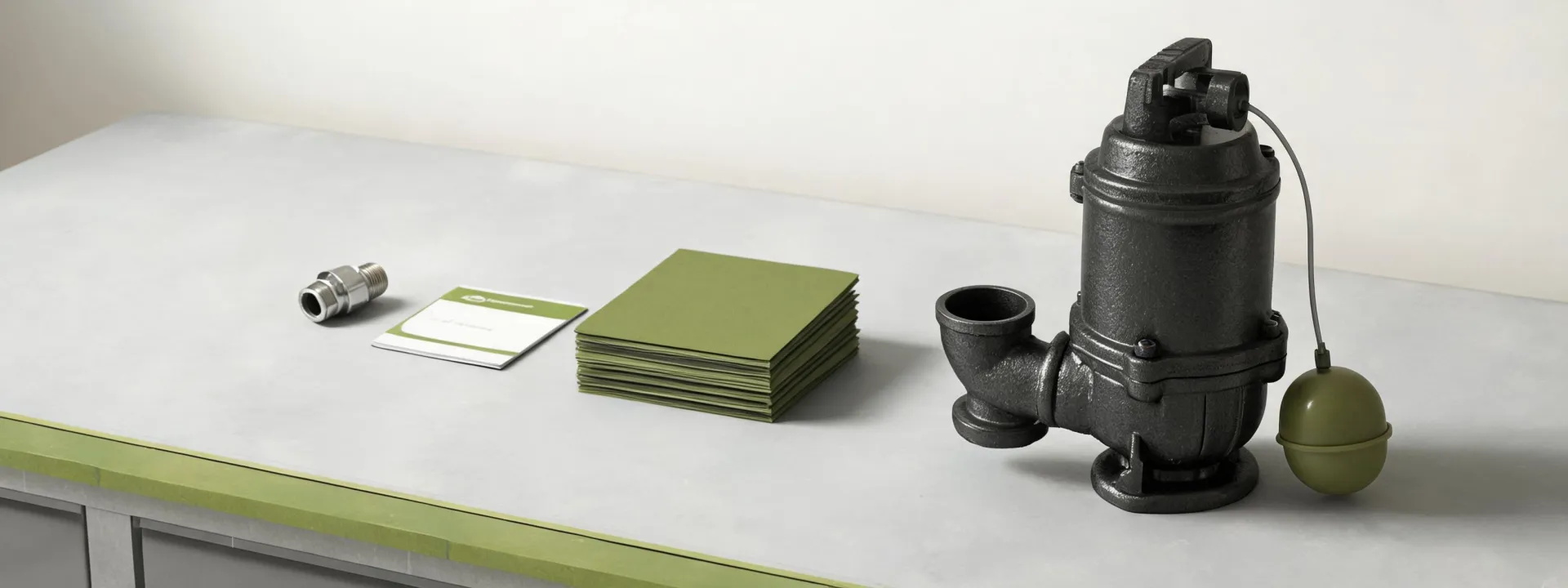
This resource center turns a messy pump question into a cleaner support package. The before state is familiar: a photo of a basin, a partial model note, a noisy valve complaint and an urgent request. The after state is a documented product path with the pump family, accessory notes, service context and dealer handoff in one place.
Selection worksheet
The worksheet works as a practical pump-readiness calculator rather than a sustainability report. Buyers can use it to gather the details that shape pump and part recommendations.
Start with the job type, then write down basin depth, discharge height, pipe size, solids expectations, backup requirement and the part that triggered the service call. A complete worksheet makes the dealer conversation shorter and gives the field team a record to check after installation.
Resource cards
Each resource card is written for a specific decision. The language avoids broad promises and keeps the reader close to pump selection, warranty preparation and replacement-part identification.
Gather model name, installation type, discharge route and service symptom before asking for a manual or technical note.
Request manuals ->Record purchase source, installation date, operating condition and maintenance notes so the support team can review the request efficiently.
Prepare request ->Separate the pump, switch, valve, alarm and basin hardware details before sending photos or replacement questions.
Identify parts ->Need a document or part match?
Use the form to ask for manuals, warranty direction, parts matching or dealer support. A focused request helps Zoeller respond with useful next steps instead of a generic catalog link.